
How TasteBuddy works
From saved recipe to dinner.
TasteBuddy closes the gap between “I want to cook that” and “this is dinner tonight.” One recipe moves through five clear steps.
The recipe trail
Save it once. Keep moving toward dinner.
Each step builds on the last. You do not need to retype the recipe or open a second app for planning and shopping.
Save
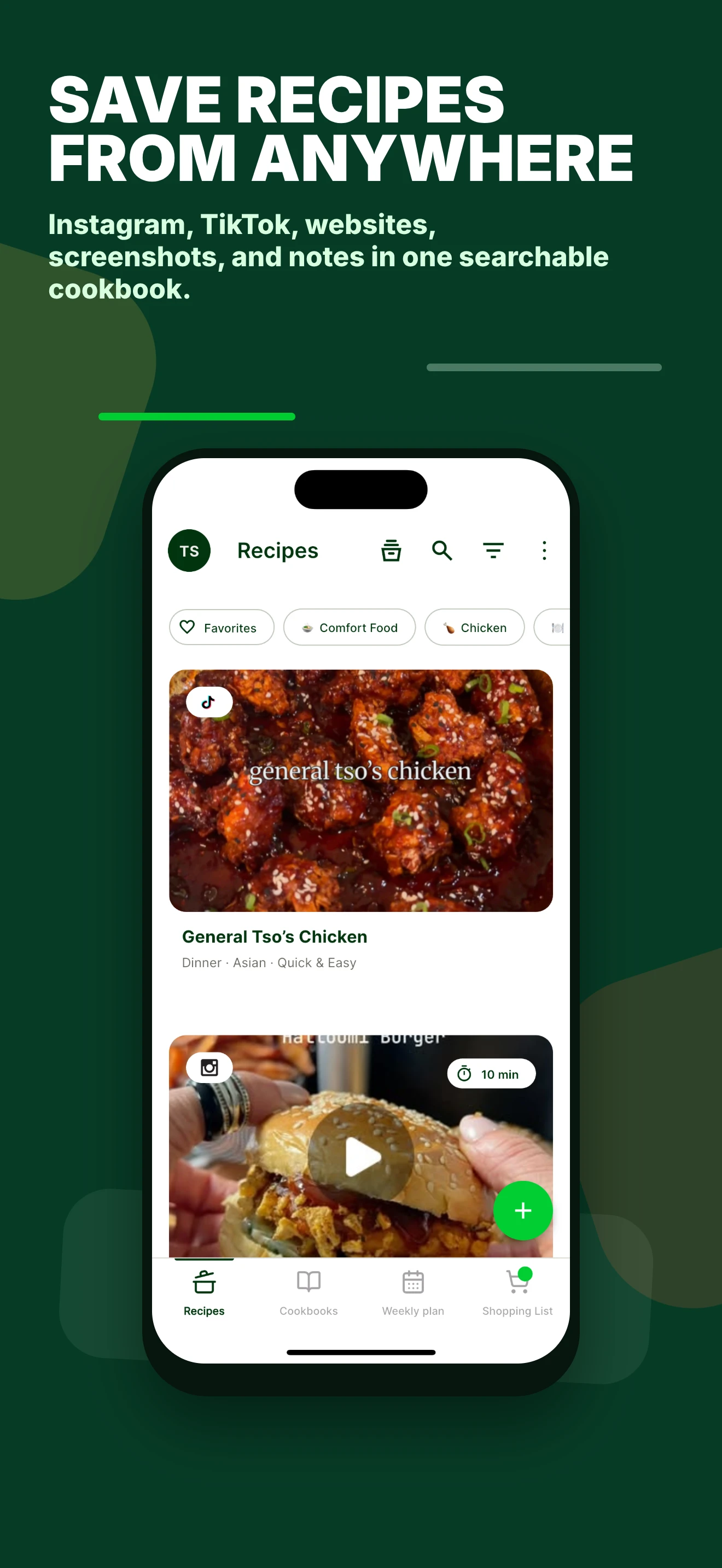
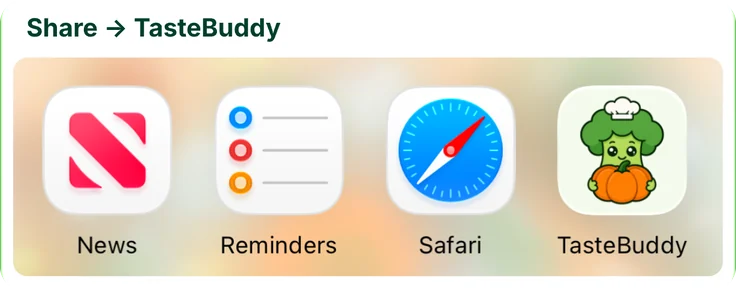
Share the recipe with TasteBuddy
Share a supported social or website link, paste a URL, or start from a photo, screenshot, handwritten card, or note.
If the source contains too little information, you can review and edit the result after import.
Clean up
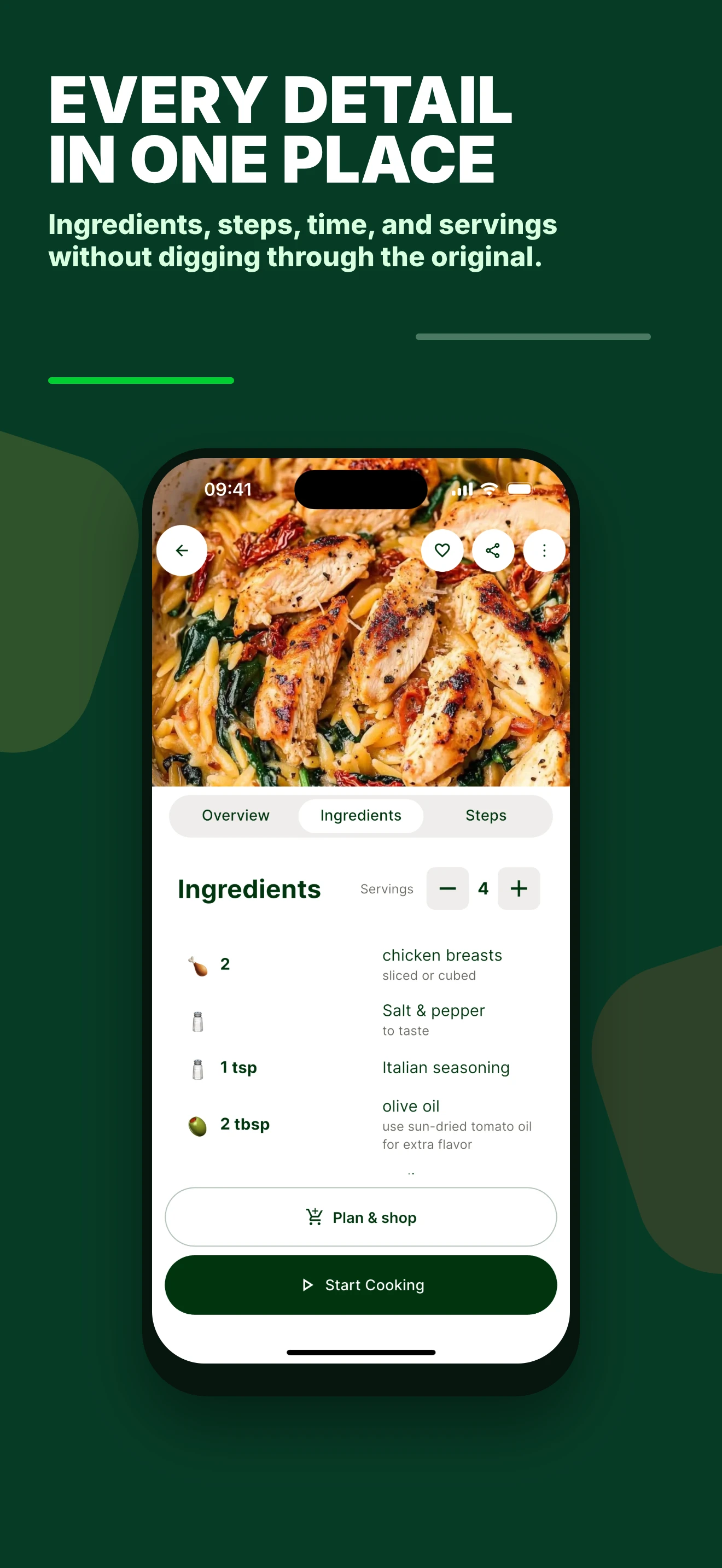
Get one clear recipe card
Ingredients, steps, time, servings, the photo, and the original source stay together instead of being split across a video, caption, and browser tab.
Every imported recipe remains editable.
Find
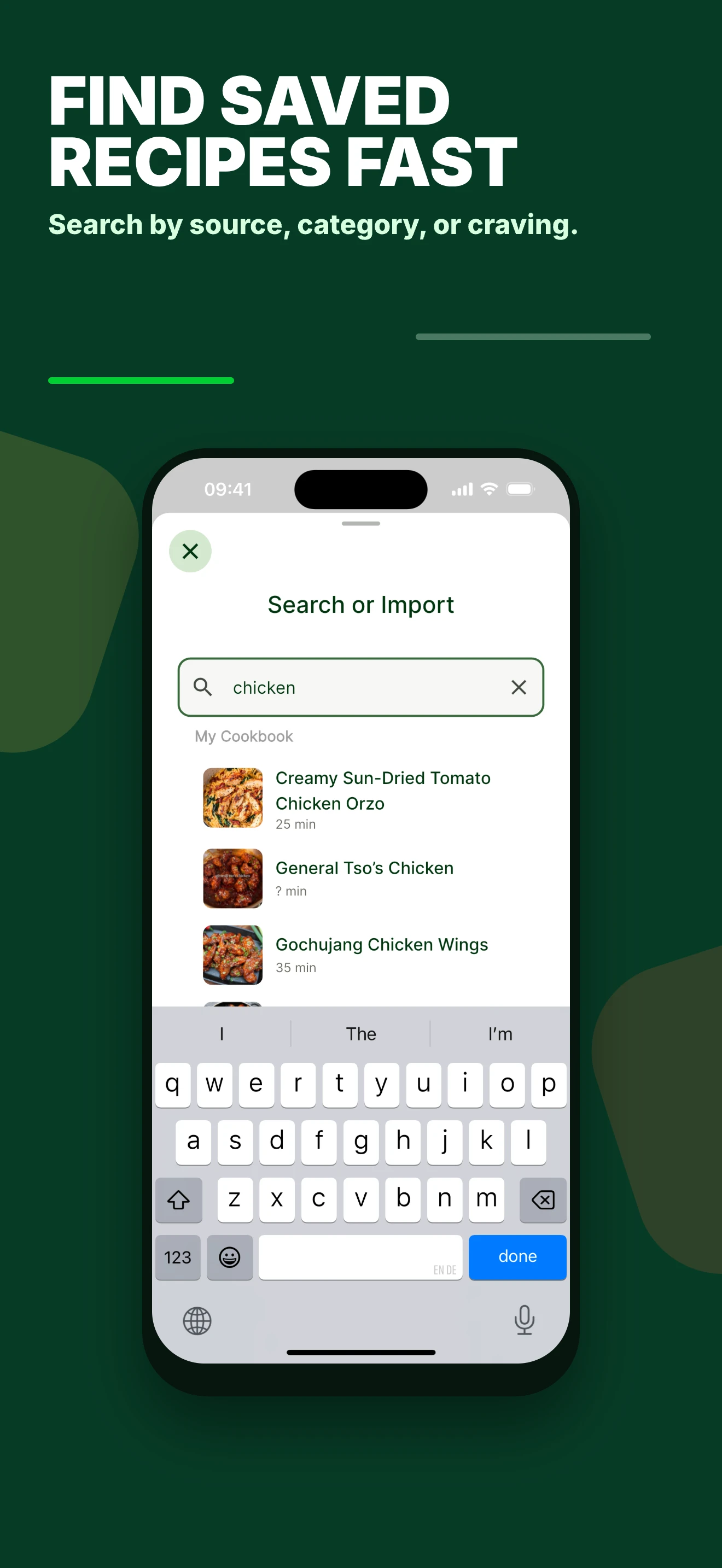
Search your own cookbook
Find saved recipes by source, category, or craving without digging through old saves, screenshots, browser tabs, and bookmarks.
Your collection becomes the starting point, not another discovery feed.
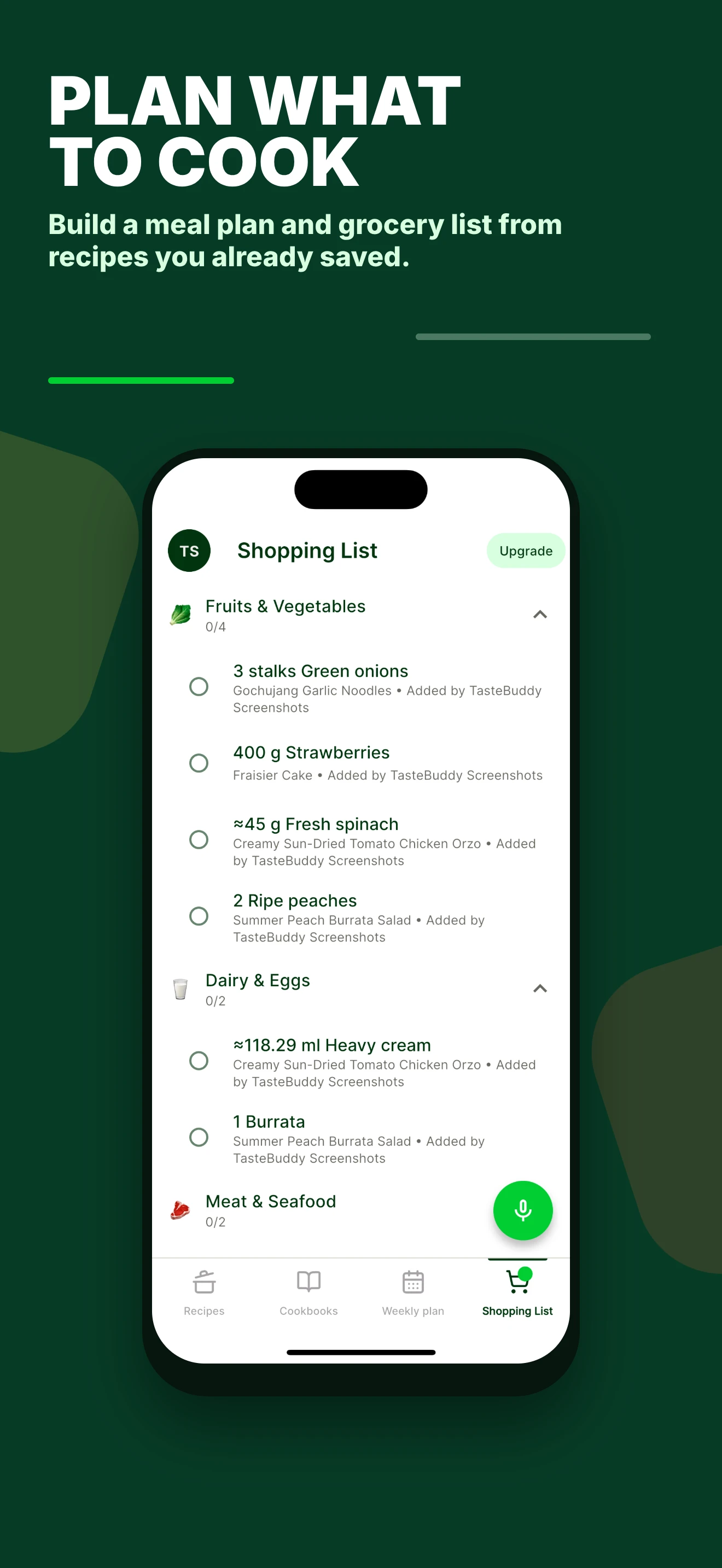
Plan and shop
Turn recipes into a weekly plan
Choose the dinners you actually want to cook. TasteBuddy connects the plan to a shopping list made from the ingredients you need.
The recipe save now leads directly to the next grocery trip.
Cook
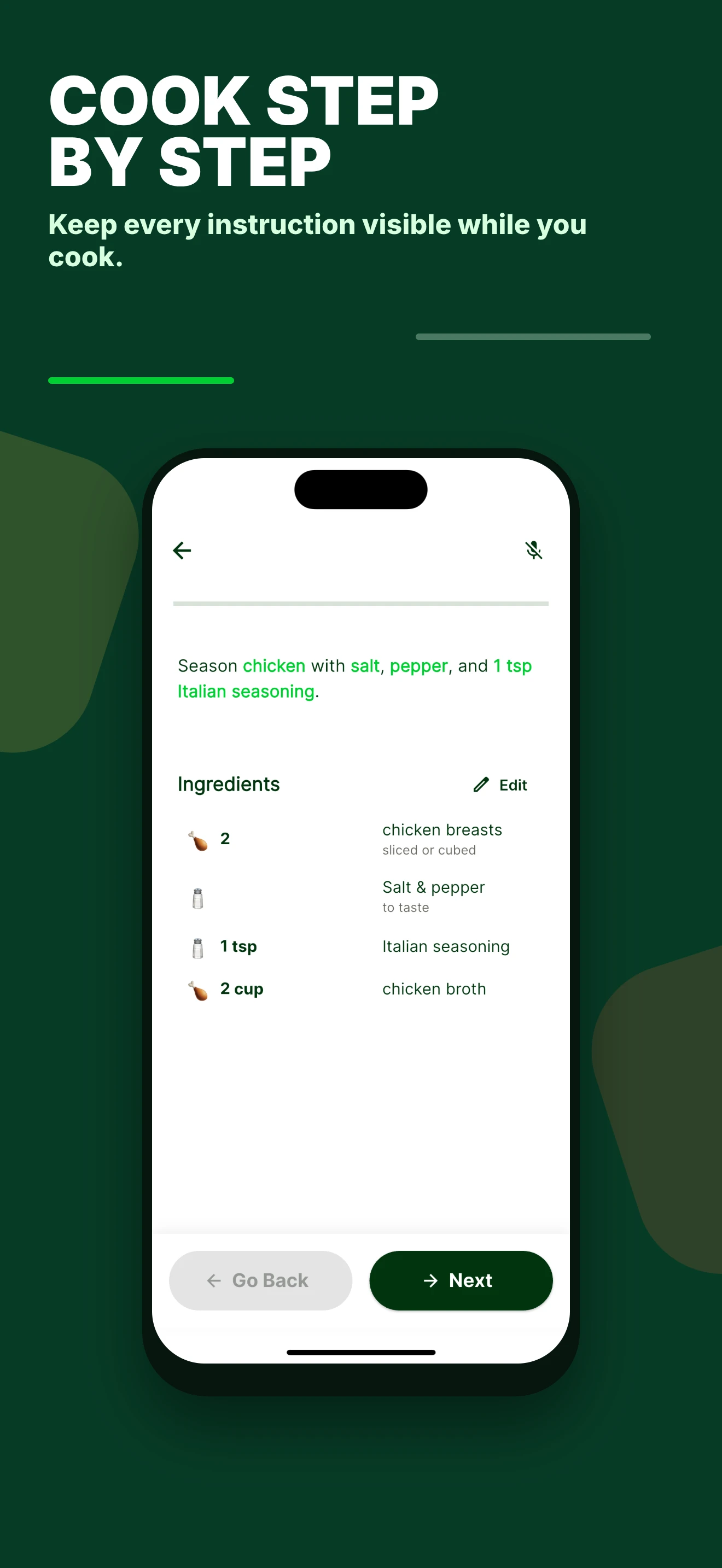
Follow the steps at the counter
Open the recipe while you cook and work through each instruction without repeatedly scrubbing through the original video.
The recipe stays visible while your hands are busy.
What TasteBuddy keeps visible
The original source
You can always see where a recipe came from and return to it.
An editable result
Incomplete or unusual sources can be corrected after import.
Your recipes in control
Planning starts with your collection, not a generic recommendation feed.
FAQ
Questions about the workflow
Do I have to type recipes manually?
No. You can share or paste supported links and also capture recipes from screenshots, photos, handwritten cards, and notes. Some sources may need review after import.
What happens to the original source?
TasteBuddy stores the source with the recipe so you can return to the original later.
Can I plan directly from saved recipes?
Yes. You can move recipes from your collection into the weekly plan and create a shopping list from them.
Take the next recipe you actually want to cook.