As easy as a bookmark
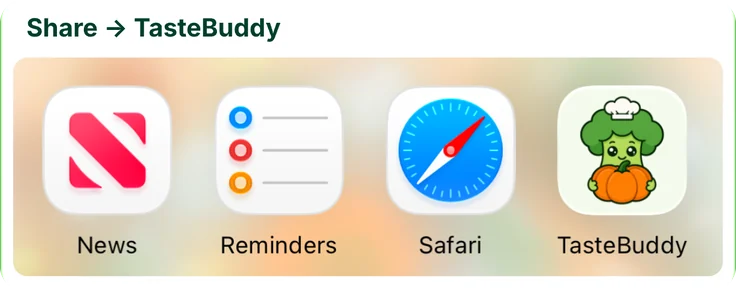
Tap Share, then TasteBuddy. No copying links and no switching apps: the sheet confirms the import and closes on its own.
That recipe you saved somewhere? Give it a home. Bring your social saves, screenshots, and family favorites together in one recipe organizer app.



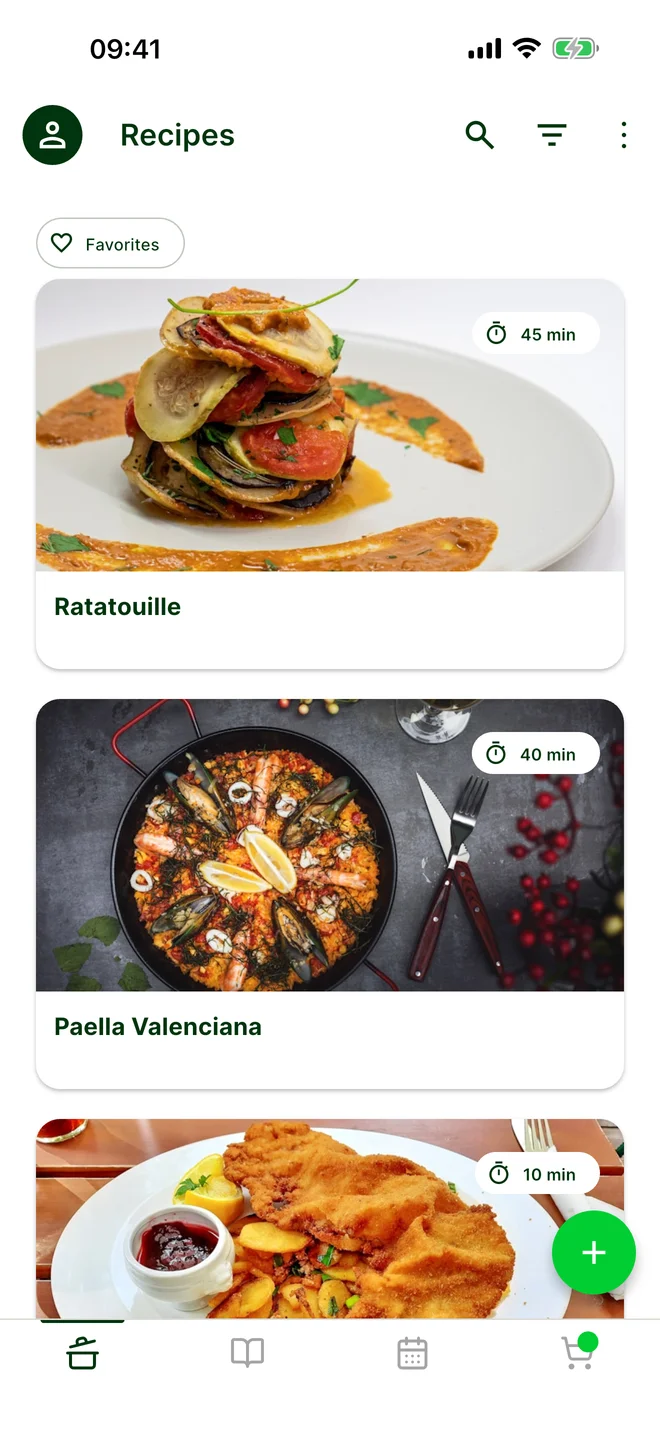
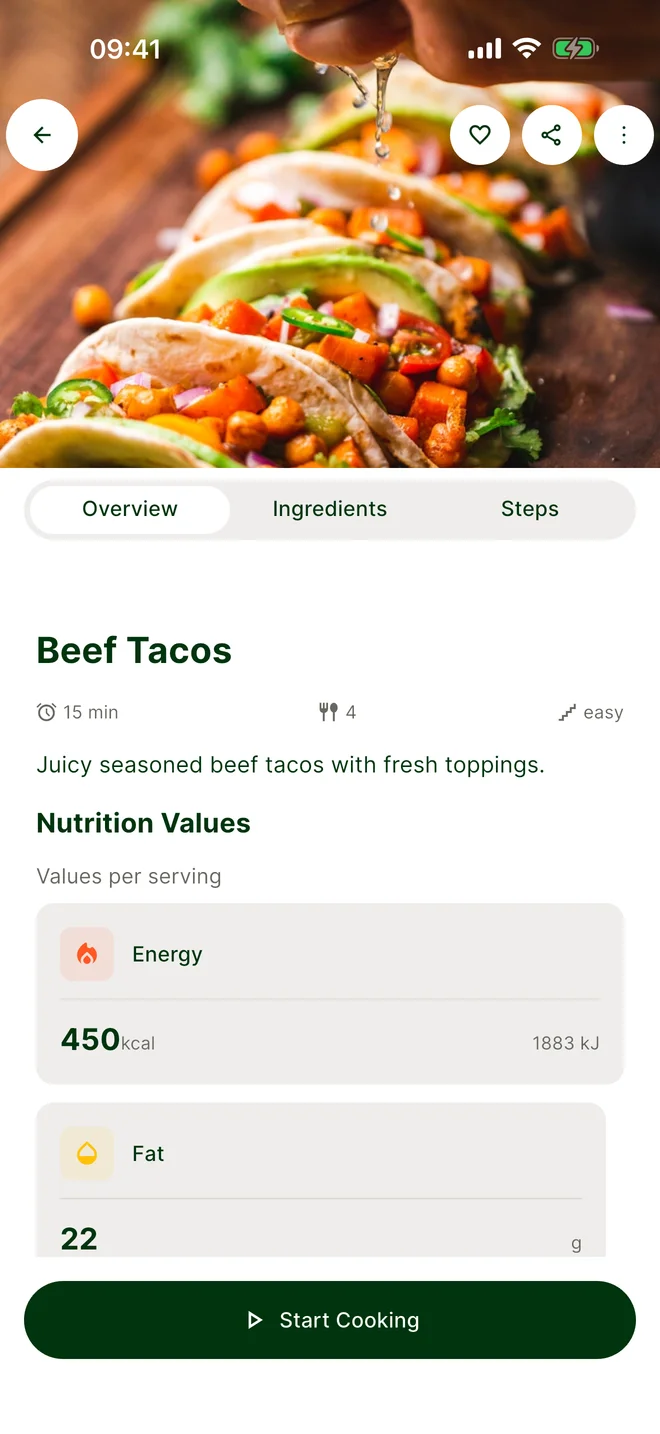
From wherever you find your next favorite
Built to stay out of your way
TasteBuddy works from the share sheet and your Lock Screen, so you rarely have to stop what you’re doing.
Tap Share, then TasteBuddy. No copying links and no switching apps: the sheet confirms the import and closes on its own.
The recipe is built in the background. A Live Activity on your Lock Screen and in the Dynamic Island shows the progress, and one tap opens the finished recipe.
Start a step timer in cooking mode and keep an eye on the countdown without unlocking your phone with sticky hands.
Live Activities need iOS 16.1 or later for cooking timers and iOS 17.2 or later for import progress. On Android, the current cooking step and your shopping list float in a bubble.
Share a recipe link with TasteBuddy, or import a screenshot or note. Keep the ingredients, instructions, and original source together.
See how importing works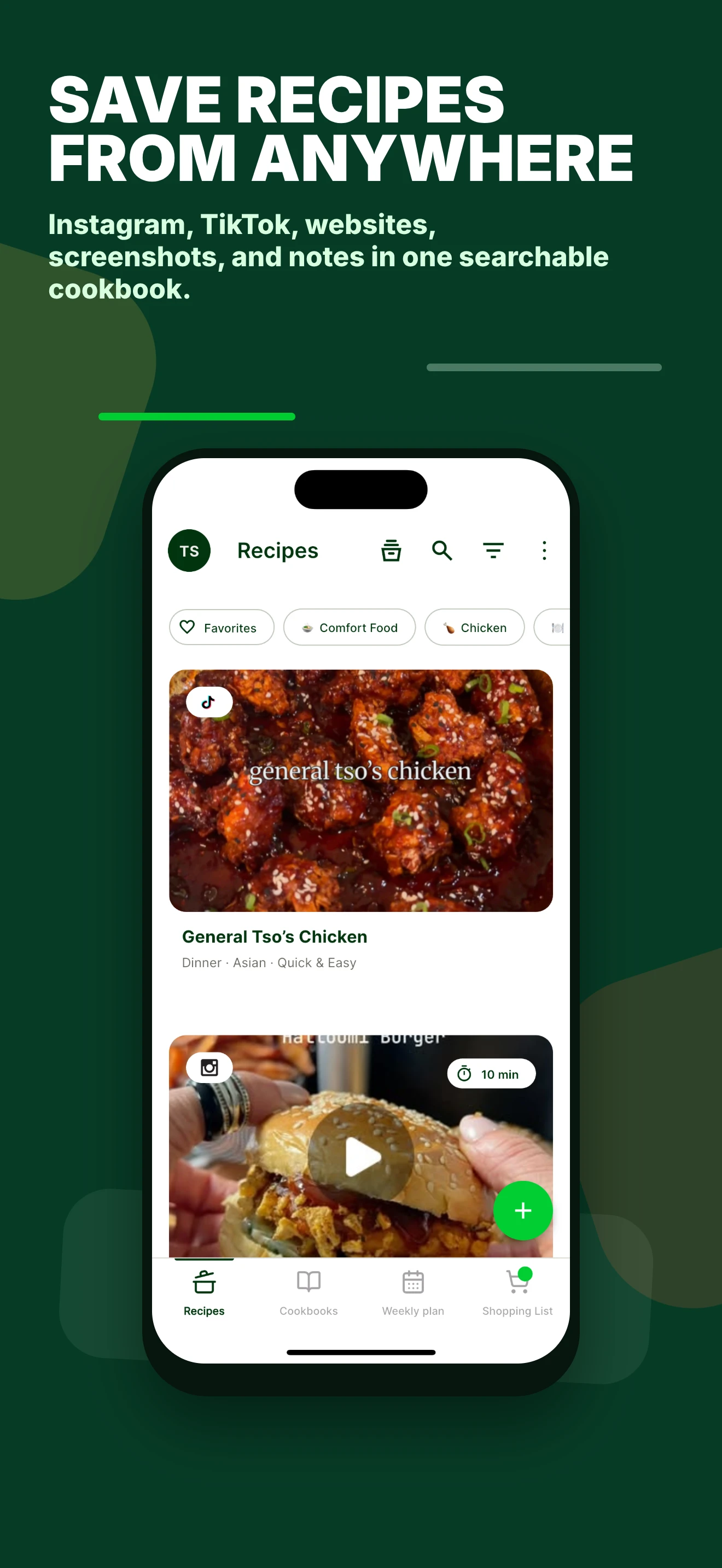
The weeknight pasta. The cake everyone asks for. Search your own cookbook instead of scrolling through old saved posts.
Explore recipe organization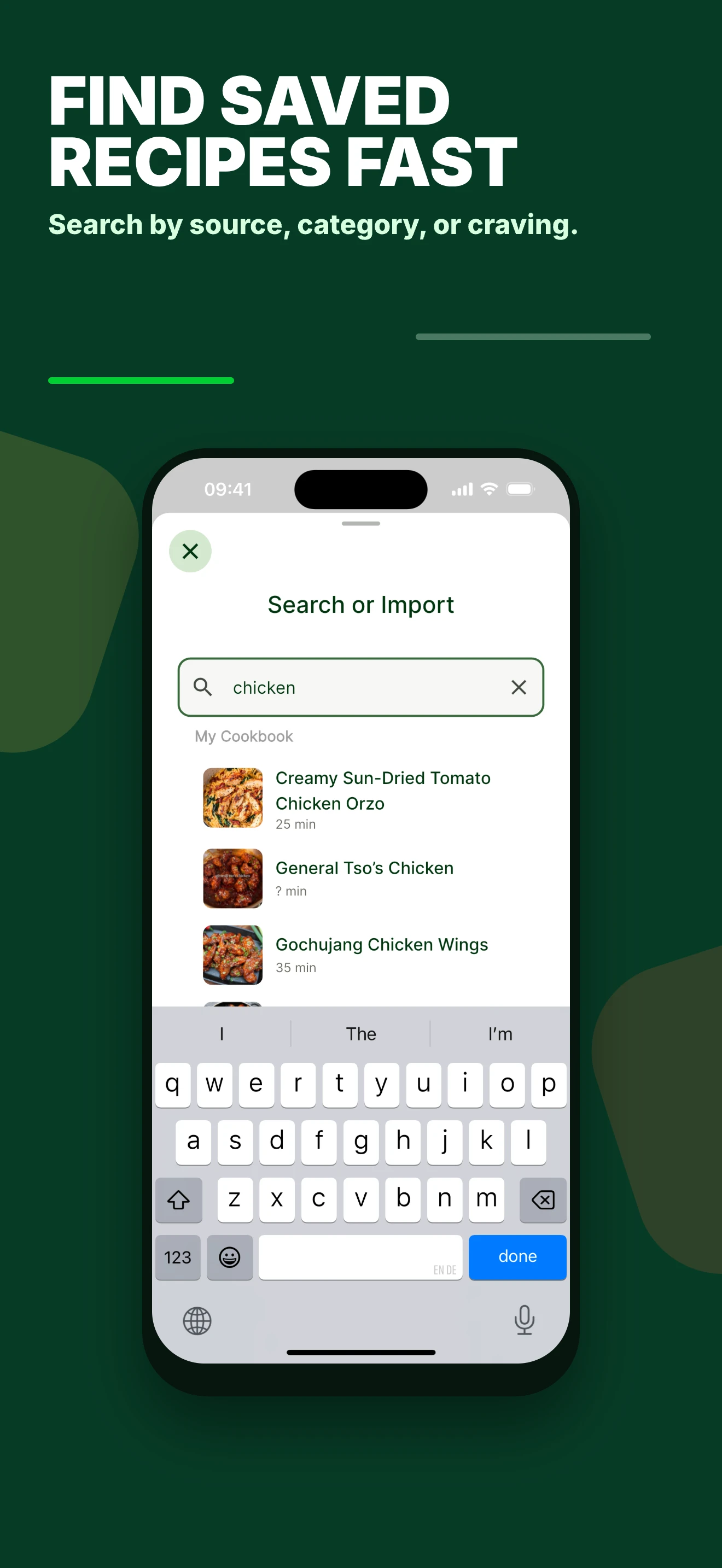
Pick recipes for the week, add their ingredients to your shopping list, and follow the steps when it’s time to cook.
Explore meal planning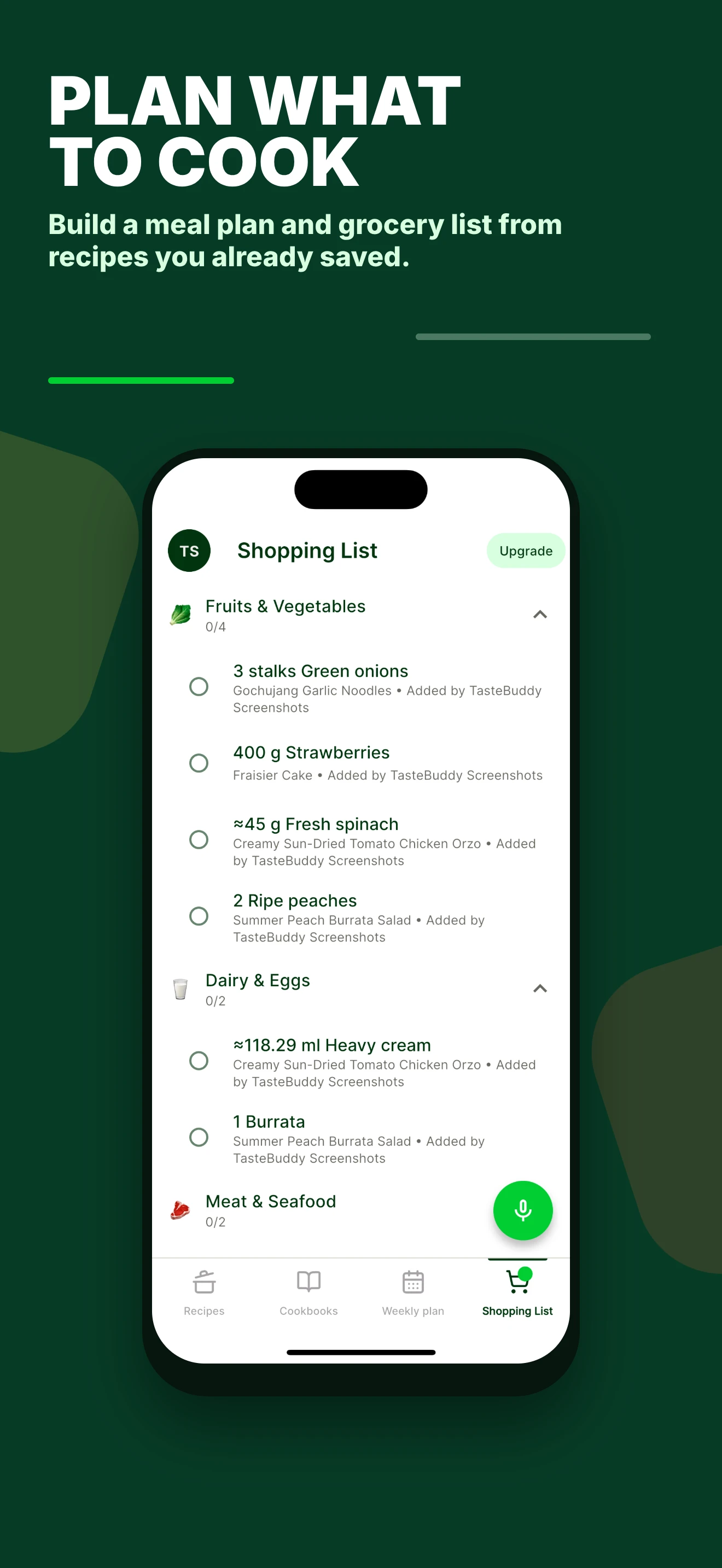
TasteBuddy is a recipe organizer app for iPhone, Android, and the web. Collect recipes from social media, websites, screenshots, handwritten cards, and notes in a searchable digital cookbook, then use them for meal planning, shopping lists, and step-by-step cooking.
Share the recipe link with TasteBuddy or paste it into the app. TasteBuddy can extract available recipe information into ingredients and instructions. Results depend on the source: private posts, inaccessible links, or videos without recipe details may need a screenshot or manual additions. Review the imported recipe before cooking.
Yes. Import a recipe link from a food blog or website, or add a screenshot, photographed recipe card, or note. Keep these recipes together instead of searching through browser bookmarks and your photo library.
Yes. Choose saved recipes for your meal plan and add their ingredients to a shopping list. Open the recipe when you are ready to cook and follow its preparation steps.
TasteBuddy is available for iPhone and Android, with a web app for your browser. Use the App Store or Google Play links on this page to download it, or choose Open Web App.
Bring it into TasteBuddy and make something good.
Download TasteBuddy